主要是邮件服务器的容器经常崩溃,所以尝试设置定时任务来解决这个问题。
情景引入
邮件服务器性能羸弱,无法胜任设置定时任务这样的重担,所以只能用一些盘外招试试了。
有关于邮件服务器搭建,参考这篇文章:自托管 E-mail ,宝宝喜欢妈妈爱
设置 Action
那么首先,本着轻量化的原则,新建一个仓库拿来干这种事:
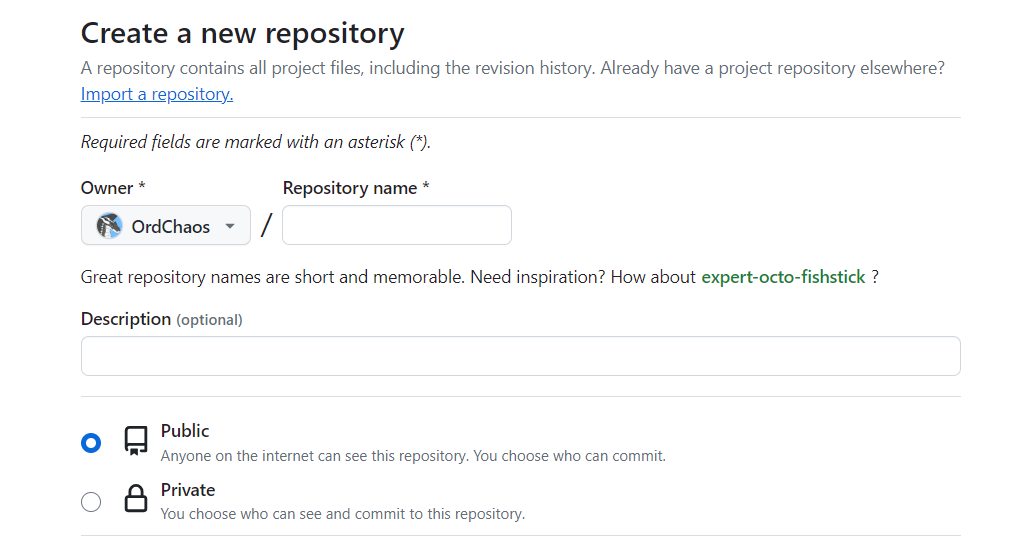
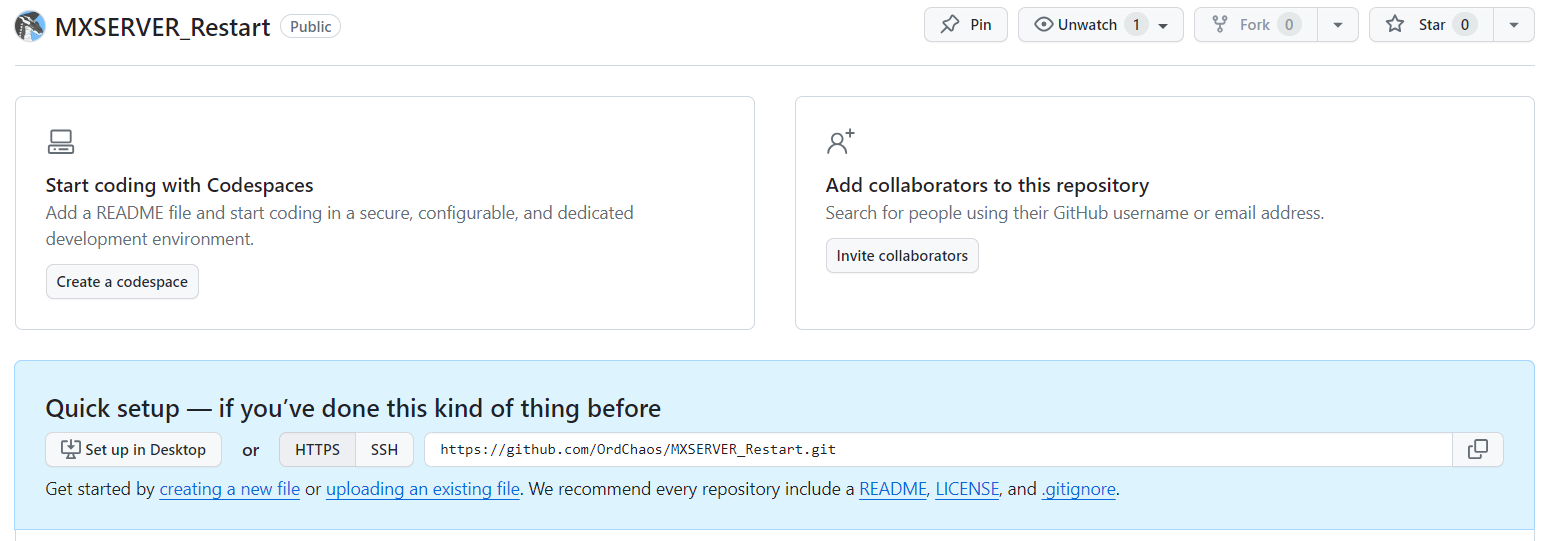
然后切到 Action 页面:

选择新建一个空白模板:
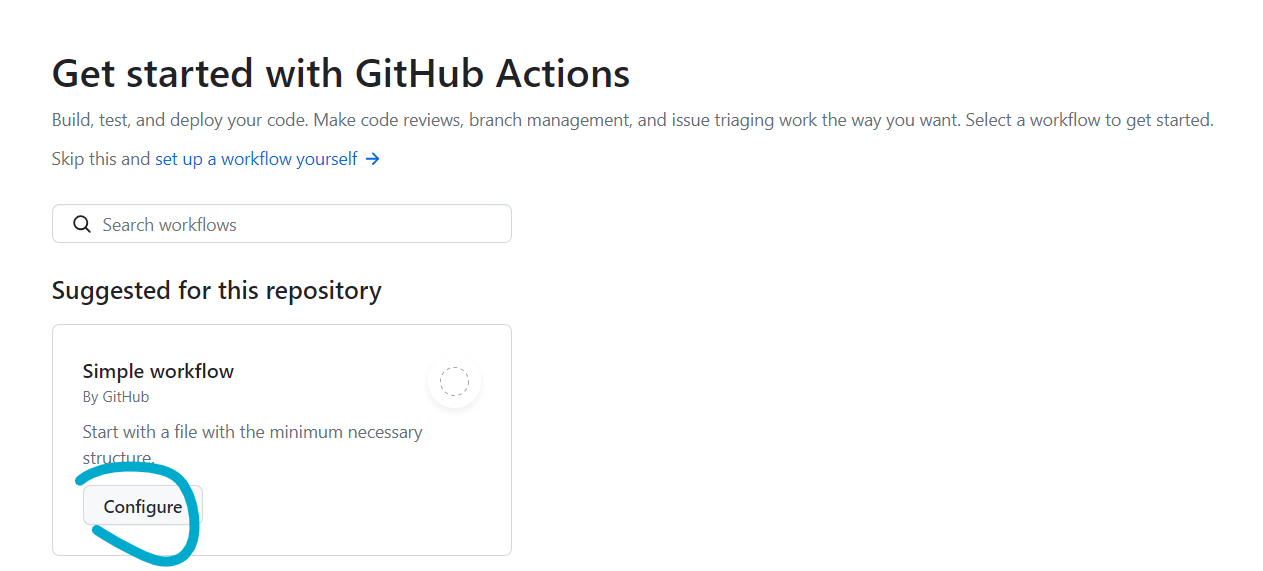
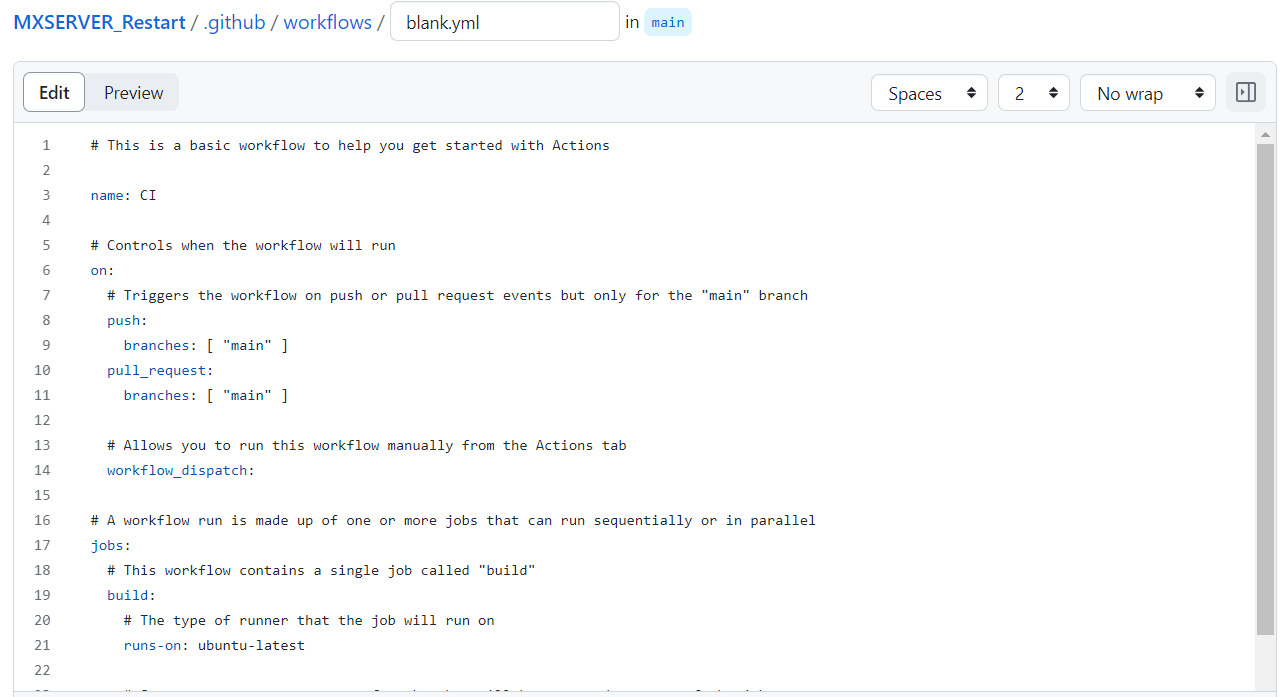
修改 Action 名称、内容并设置定时,参考我的:
YAML
# This is a basic workflow to help you get started with Actions

name: REMX

# Controls when the workflow will run
on:
  # Triggers the workflow on push or pull request events but only for the "main" branch
  push:
    branches: ['main']
  schedule:
    - cron: '0 20 * * *'

  # Allows you to run this workflow manually from the Actions tab
  workflow_dispatch:

# A workflow run is made up of one or more jobs that can run sequentially or in parallel
jobs:
  # This workflow contains a single job called "build"
  build:
    # The type of runner that the job will run on
    runs-on: ubuntu-latest

    # Steps represent a sequence of tasks that will be executed as part of the job
    steps:
      - name: Checkout Codes
        uses: actions/checkout@v3

      - name: Restart MX Service
        uses: garygrossgarten/github-action-ssh@release
        with:
          command: ./restart.sh
          host: ${{ secrets.HOST }}
          username: root
          password: ${{ secrets.PASSWORD }}

      - name: Finish
        run: echo "Action Finish"
SSH 相关配置自行查看官方文档,restart.sh内容填写重启 docker 指令即可。
可参考以下内容:
SHELL
#!/bin/bash
cd /mailu
docker-compose down
docker-compose up -d
保存,然后去设置 Secret:
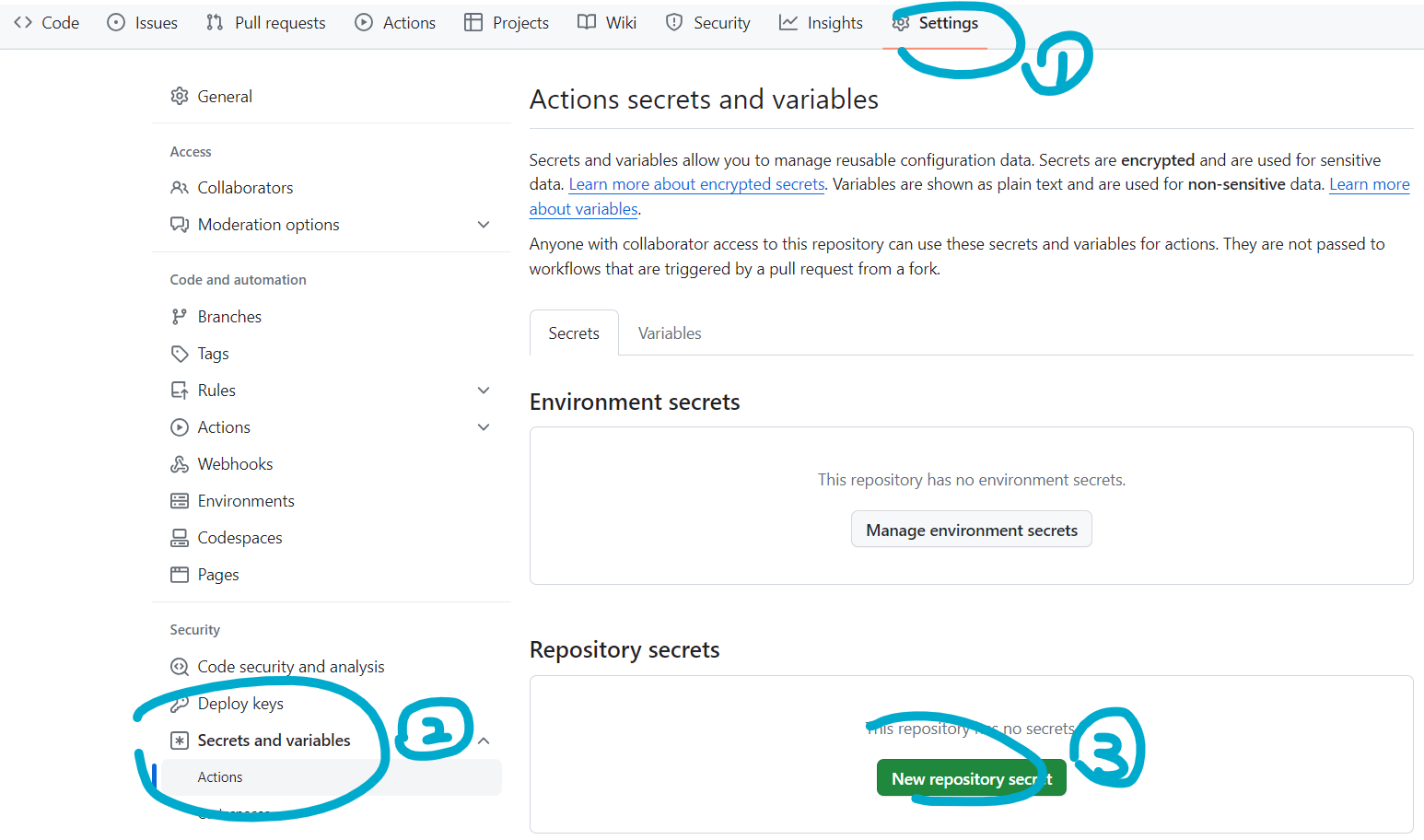
分别设置服务器地址、密码等即可:
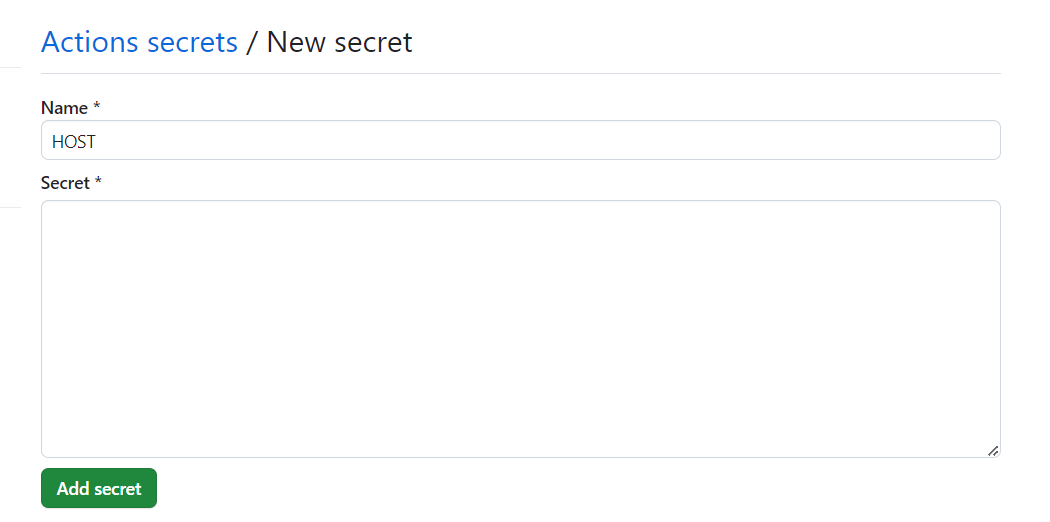
大功告成!
结语
上高中之后就没写博文了……
除夕赶出一篇博文,祝新年快乐!!!
也迟来的祝博客两周年快乐!!!
2024.2.12 更新
经评论@极地萤火 (橙子)提醒,增加自动推送 commit 同时记录 log 功能。
首先,进入仓库设置:

选择 Action 选项卡:
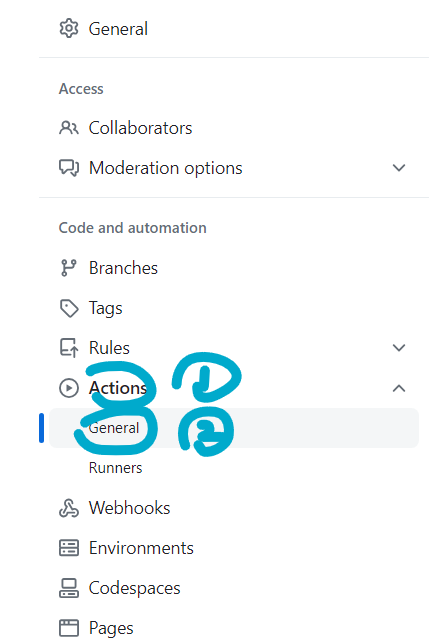
修改访问权限为读写:
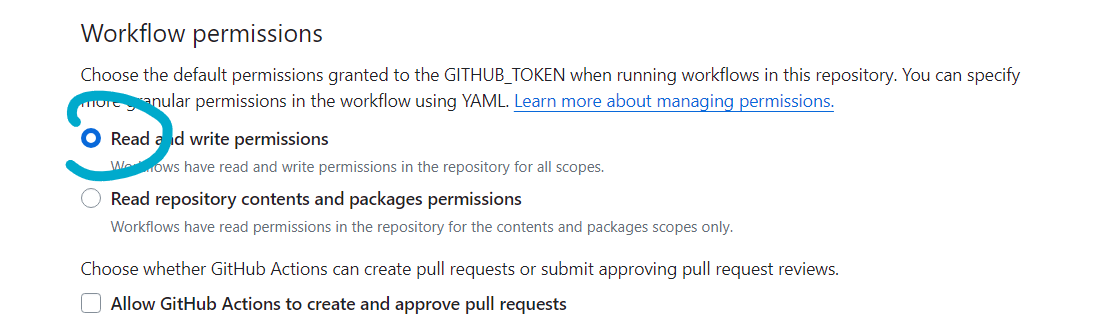
保存即可。
然后,修改 Action 内容,增加推流部分:
YAML
- name: Update log.txt
  run: |
    var=`date +%Y%m%d%H%M`
    echo $var | tee -a log.txt

- name: Commit
  run: |
    git config --global user.name 'username'
    git config --global user.email 'youremail@example.com'
    git add log.txt
    var=`date +%Y%m%d%H%M`
    git commit -m $var
    git push origin main
记得将信息改为自己的 github 用户名与邮箱。